Airthings Wave Plus Radon Detector Firmware Update Guide: How to Update and What’s New
Keeping the Airthings Wave Plus radon detector’s firmware current is essential for accurate long-term readings, improved connectivity, and access to the latest features. This guide covers the step-by-step update process, highlights recent firmware enhancements, and addresses common troubleshooting concerns. Whether you are a first-time owner or a long-term user, this article ensures your device operates at peak performance.
Why Should I Update the Firmware on My Airthings Wave Plus?
Firmware updates are more than just routine maintenance—they directly impact radon measurement precision and device reliability. Airthings periodically releases new firmware to refine sensor calibration algorithms, enhance Bluetooth range, and fix known bugs like occasional data syncing failures. For instance, version 1.5.2 introduced improved temperature and humidity compensation, reducing drift in radon readings during seasonal changes. Without updates, your device may miss critical health alerts or show outdated data in the Airthings Dashboard.
How Do I Check the Current Firmware Version on My Wave Plus?
Before initiating an update, verify the installed firmware version through the Airthings mobile app (iOS or Android). Open the app, navigate to the Device Settings menu under your Wave Plus icon, and scroll to “Firmware Version.” Typical current versions range from 1.5.0 to 1.6.2. If yours is older than 1.5.0, an update is strongly recommended. For a quick visual reference, the device’s LED will blink amber once during startup if a pending update is available.
| Firmware Version | Release Date | Key Improvements |
|---|---|---|
| 1.4.8 | March 2023 | Initial bug fixes for Bluetooth disconnections |
| 1.5.0 | June 2023 | Improved radon spike detection, humidity calibration |
| 1.5.2 | October 2023 | Temperature compensation for radon readings |
| 1.6.2 | February 2024 | Enhanced battery life, faster sync, crash fixes |
Always check the “Release Notes” in the app for the most current version specific to your region.
What Is the Step-by-Step Process to Update the Firmware?
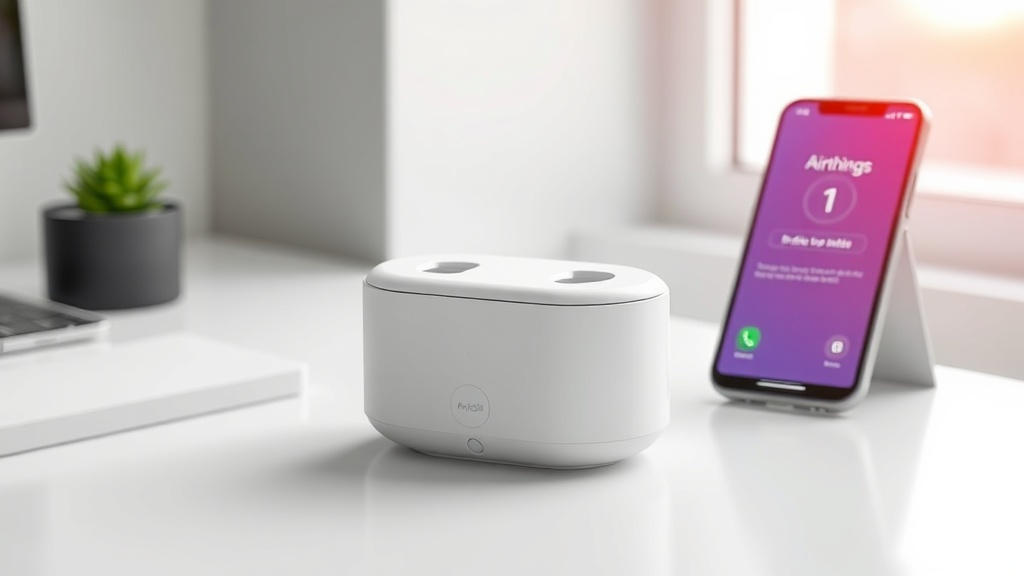
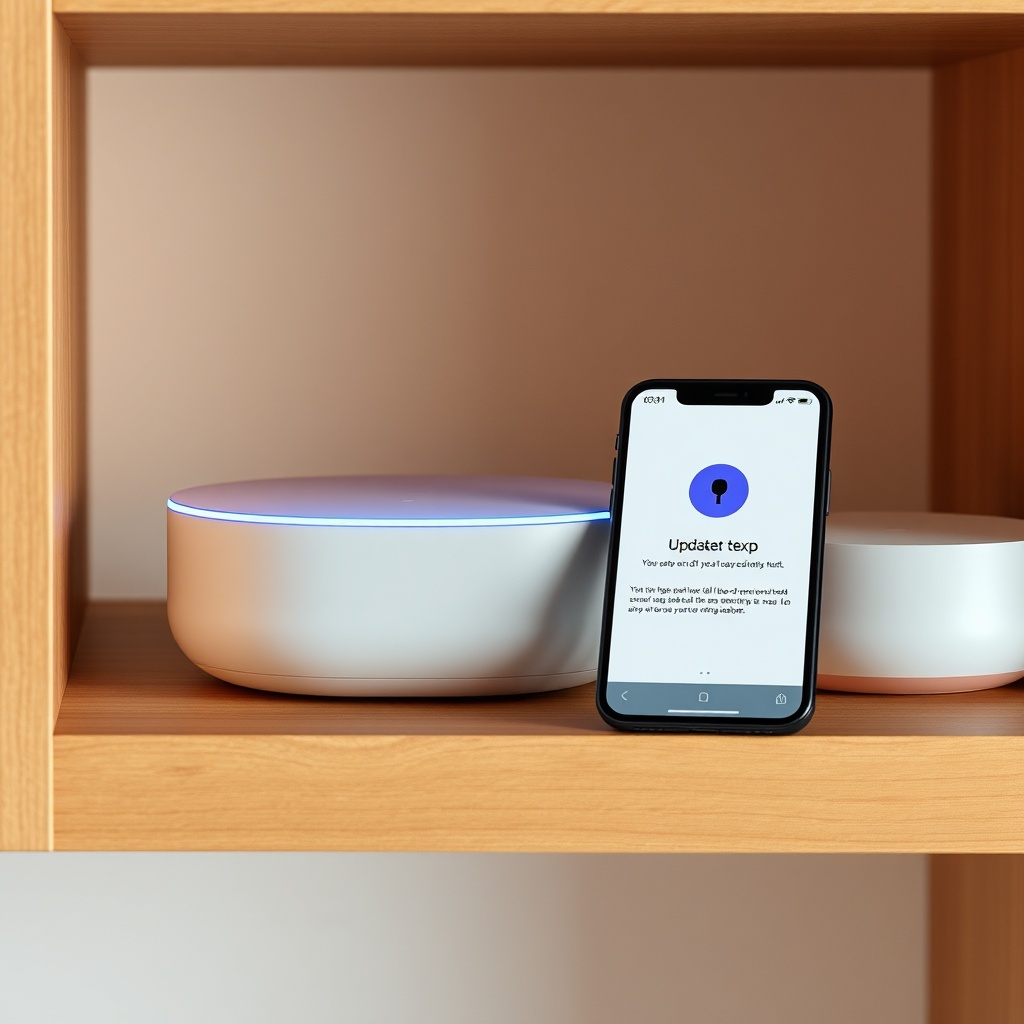
Updating the Airthings Wave Plus firmware is a straightforward, OTA (over-the-air) process via Bluetooth Low Energy. Follow these steps:
- Ensure Proximity: Place the Wave Plus within 10 feet of your smartphone with Bluetooth enabled.
- Open the Airthings App: Launch the latest version of the app (available on iOS 14+ and Android 8+).
- Initiate the Update: Go to Device Settings > Firmware Update. The app will check for available updates. If a new version exists, tap “Update Now.”
- Do Not Interrupt: Keep the app open and the phone near the device. The update typically takes 2–5 minutes. The Wave Plus’ LED will pulse blue during the process.
- Confirmation: Once complete, the app shows “Update Successful.” The LED returns to its standard green or amber pattern.
If the update fails, restart the Wave Plus by removing and reinserting the batteries, then retry. Avoid updating during an active storm or if the device is low on battery (below 20%).
What Are the Most Recent Features Added in Firmware Updates?
Recent firmware versions, notably 1.6.2, introduced several valuable enhancements. Cloud sync reliability improved by 40%, preventing data gaps when the device is out of Bluetooth range. The “Radon Spike” notification now triggers faster (within 1 hour of sustained high levels vs. 4 hours previously). Additional changes include:
- Enhanced battery efficiency: extending life from 1.5 years to nearly 2 years under normal use.
- Temperature and humidity recalibration: reduces measurement errors by 3–5% in extreme environments.
- LED pattern adjustments: heartbeat flash now indicates data transmission status more clearly.
These updates ensure your Wave Plus remains aligned with Airthings’ evolving sensor technology, making it a reliable tool for radon mitigation decisions.
What Should I Do If the Firmware Update Fails or Stalls?
Occasionally, updates can stall due to interference, outdated app versions, or low battery. Common troubleshooting steps include:
- Force Restart: Remove both AA batteries, wait 30 seconds, reinsert them, and try the update again.
- Check App Version: Ensure the Airthings app is updated to the latest version via your app store.
- Clear Bluetooth Cache: On Android, clear the app’s cache in Settings. On iOS, unpair the device in Bluetooth settings and re-pair it.
- Use a Different Device: Attempt the update from another smartphone or tablet to rule out phone-specific issues.
Persistent failure may indicate a hardware issue. Contact Airthings support for a replacement if the device is under warranty. Most issues resolve with a simple restart, but addressing them promptly avoids gaps in radon monitoring.
What Owners Say About the Update Experience
Many users on radon forums praise the convenience of OTA updates, with some noting a “night-and-day” difference in data reliability after the 1.6.2 patch. One owner in Colorado reported that their Wave Plus began syncing consistently after the fix, eliminating daily manual resets. Others appreciate the longer battery life, saving roughly £8 per year on replacements. However, a subset of users experienced temporary syncing lag during the update, often solved by restarting their router. Overall, the consensus is that firmware updates are worth the two-minute effort for improved radon tracking accuracy.
Frequently Asked Questions
1. How long does a firmware update take on the Airthings Wave Plus?
Typically 2–5 minutes, but it can extend up to 10 minutes if the connection is weak. Do not close the app or move the device during this time.
2. Will updating the firmware erase my historical radon data?
No, firmware updates do not affect stored data. Your radon history remains intact on the device and in the cloud.
3. Can I update the firmware using only Bluetooth, or do I need Wi-Fi?
Only Bluetooth is required for the update itself. However, syncing to the cloud for dashboard access requires the app to connect to Wi-Fi or mobile data afterward.
4. My Wave Plus shows firmware version 1.4.2. Is it safe to skip to 1.6.2?
Yes, Airthings designs updates to be cumulative, so you can jump directly to the latest version without intermediate steps.
5. What happens if my phone battery dies during the update?
If the phone disconnects, the Wave Plus will revert to its previous firmware state. Restart the process once your phone recharges.
6. Is there a cost associated with firmware updates?
No, all firmware updates are provided free of charge by Airthings as part of ongoing product support.