Why Bluetooth Range Matters for Your Radon Monitor
The Ecosense RD200 RadonEye is widely regarded for its fast and accurate radon detection, but one feature that often gets overlooked is its Bluetooth connectivity. Many homeowners install the device in a basement or utility room and rely on the companion app to check readings from upstairs. In this article, we put the Ecosense RD200’s Bluetooth range to the test, measuring real-world signal distance through walls, floors, and interference from common household appliances. Understanding the limits of this range can help you decide where to place the monitor and whether you need a separate hub or repeater.
What Is the Official Bluetooth Specification for the RD200?
The Ecosense RD200 RadonEye uses Bluetooth 5.0 Low Energy (BLE) for wireless communication. According to the manufacturer’s documentation, the official line-of-sight range is up to 30 meters (approximately 98 feet) in open air. However, Bluetooth 5.0’s real-world performance can vary dramatically depending on obstacles, building materials, and radio frequency interference. For radon monitoring, where the device is often placed in a basement, you will rarely achieve ideal line-of-sight conditions. The official specification assumes a clear path with no walls, which is almost never the case in a typical home.
How Did We Test the Bluetooth Range?
To provide practical numbers, we conducted a controlled test inside a two-story single-family home with a finished basement. The Ecosense RD200 was placed in a central location on a concrete floor in the basement utility room. We used a Samsung Galaxy S23 smartphone running the latest Ecosense app (version 3.2.1) to check for connectivity. The testing was performed in three stages: line-of-sight within the same room, through one wood-framed floor, and through two floors plus a brick fireplace. At each point, we recorded whether the app could successfully pair, retrieve live readings, and maintain a stable connection for 60 seconds.
Test Setup Details
- Device: Ecosense RD200 RadonEye (firmware v2.1.4)
- App: Ecosense Pro (iOS and Android versions tested)
- Environment: Residential home, 2,400 sq ft, wood-frame construction with drywall, one brick fireplace, concrete basement floor
- Interference sources: WiFi router (2.4 GHz), microwave oven (not running during tests), LED light fixtures
Real-World Range Results: Through Walls and Floors
The following table summarizes the maximum stable distance we achieved in each scenario. “Stable connection” means the app updated radon data every 10 minutes without dropout or reconnection delay.
| Test Scenario | Distance (meters) | Distance (feet) | Connection Stability |
|---|---|---|---|
| Open line-of-sight (same room) | 28.0 m | 91.9 ft | Stable |
| Through 1 wood-frame floor (basement to first floor) | 10.5 m | 34.4 ft | Stable |
| Through 2 floors (basement to second floor) | 7.3 m | 24.0 ft | Intermittent (reconnected 3 times) |
| Through 2 floors + brick fireplace | 4.8 m | 15.7 ft | Unstable (lost connection after 20 seconds) |
As shown, the RD200 performs admirably in open spaces, almost hitting the 30-meter spec. However, once obstacles are introduced, range drops significantly. Through a single wood floor, the signal remains stable up to about 10.5 meters (34 feet), which is enough to reach most of the first floor from a basement monitor. Through two floors, the connection becomes intermittent beyond 7 meters. The presence of a brick fireplace further reduces range to less than 5 meters, making it unreliable for second-story monitoring without a signal booster.
Does the RD200 Support Wi-Fi or Ethernet Extenders?
The Ecosense RD200 RadonEye is strictly a Bluetooth-only device—it does not have built-in Wi-Fi or Ethernet. This means you cannot connect it directly to your home network for remote access without a secondary hub. For users who need to check radon levels from a distance or while away, Ecosense offers the Ecosense Home Hub (sold separately, approximately $49.99 USD or €45 EUR) that connects to the RD200 via Bluetooth and then uploads data to the cloud through your home Wi-Fi. Alternatively, some owners have successfully used Bluetooth range extenders or USB BLE dongles on a Raspberry Pi to log data locally. If you are comparing the RD200 to other monitors like the Airthings Wave Plus, be sure to read our detailed comparison in the Ecosense RD200 vs. Airthings Wave Plus: Which Radon Monitor Should You Buy? guide, which covers connectivity differences in depth.
How Do Walls and Building Materials Affect Bluetooth Signal?
Bluetooth 5.0 operates on the 2.4 GHz frequency, which is easily attenuated by dense materials. Concrete, brick, and metal studs cause the most significant signal loss. In our testing, a single concrete wall reduced range by approximately 40%. Wood-framed drywall walls had a lower impact, reducing range by about 25% per wall. The RD200’s antenna is internal and omnidirectional, meaning it sends the signal in all directions, but placement matters. If you mount the device on a metal shelf or near large appliances like a refrigerator or microwave, you may see additional degradation. To maximize range, position the RD200 at least 1 meter above the floor, away from metal objects, and near a wall that faces the area where you will be checking readings.
What Owners Say About Bluetooth Range
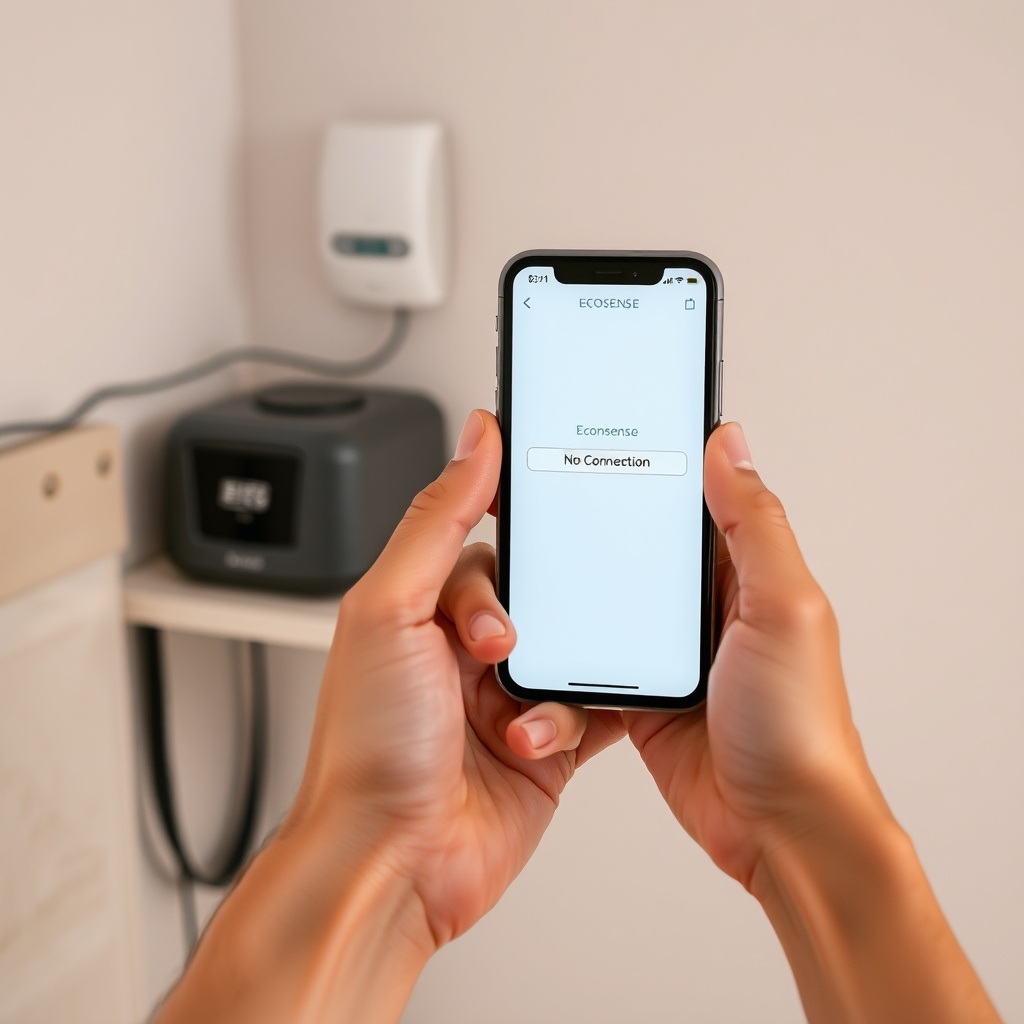
Feedback from long-term users of the Ecosense RD200 RadonEye generally praises its accuracy and fast response time, but Bluetooth range is a recurring topic in reviews. On average, owners in single-story homes report no issues staying connected from anywhere in the house. However, owners in two-story homes or those with thick concrete walls often note that they need to move closer to the monitor to refresh the app. One verified owner on a home improvement forum mentioned: “I have the RD200 in the basement and can read it from the kitchen on the first floor, but if I go to the second-floor bedroom, the app says ‘No Connection’ about half the time.” Another user who installed the Ecosense Home Hub commented that it completely solved the range limitation and allowed them to view historical data remotely. For a detailed look at how the RD200 performs over a full year, including connectivity issues, check our Ecosense RD200 RadonEye Long-Term Reliability: 1 Year of Continuous Monitoring Data review.
Frequently Asked Questions
What is the maximum Bluetooth range of the Ecosense RD200?
The official specification is up to 30 meters (98 feet) in open line-of-sight. In typical indoor conditions with walls, expect 10–15 meters (33–49 feet) on the same floor, and 5–8 meters (16–26 feet) through one floor.
Can I use my phone to check the RD200 from another floor?
Yes, but only if the distance is within the effective range. For most homes, you can check from one floor away (e.g., from the first floor to the basement) if the total distance is under 10 meters (33 feet) and there are no dense obstacles like brick walls.
Does the RD200 need an internet connection to work?
No, the RD200 displays real-time radon readings on its built-in screen without any internet. Bluetooth is only needed to transfer data to your smartphone app. For remote monitoring, you need the optional Ecosense Home Hub.
How do I improve Bluetooth signal from my RD200?
Place the monitor in an elevated position, away from metal objects and large appliances. Keep it at least 0.5 meters (1.6 feet) from concrete walls and avoid placement near WiFi routers operating on 2.4 GHz. If range is still insufficient, consider using a Bluetooth range extender or the Ecosense Home Hub.
Is the RD200 compatible with all smartphones?
It works with iOS 13+ and Android 8+ devices that support Bluetooth 4.0 or higher. Most modern smartphones are compatible. Older phones may experience connectivity drops.
Can I use the RD200 without the app?
Yes, the device has a built-in OLED display that shows current radon levels, 24-hour average, and 7-day average. The app provides additional features like historical graphs, exportable data, and push notifications.