How Do I Set Up Email Alerts for High Radon on the Airthings Wave Plus?
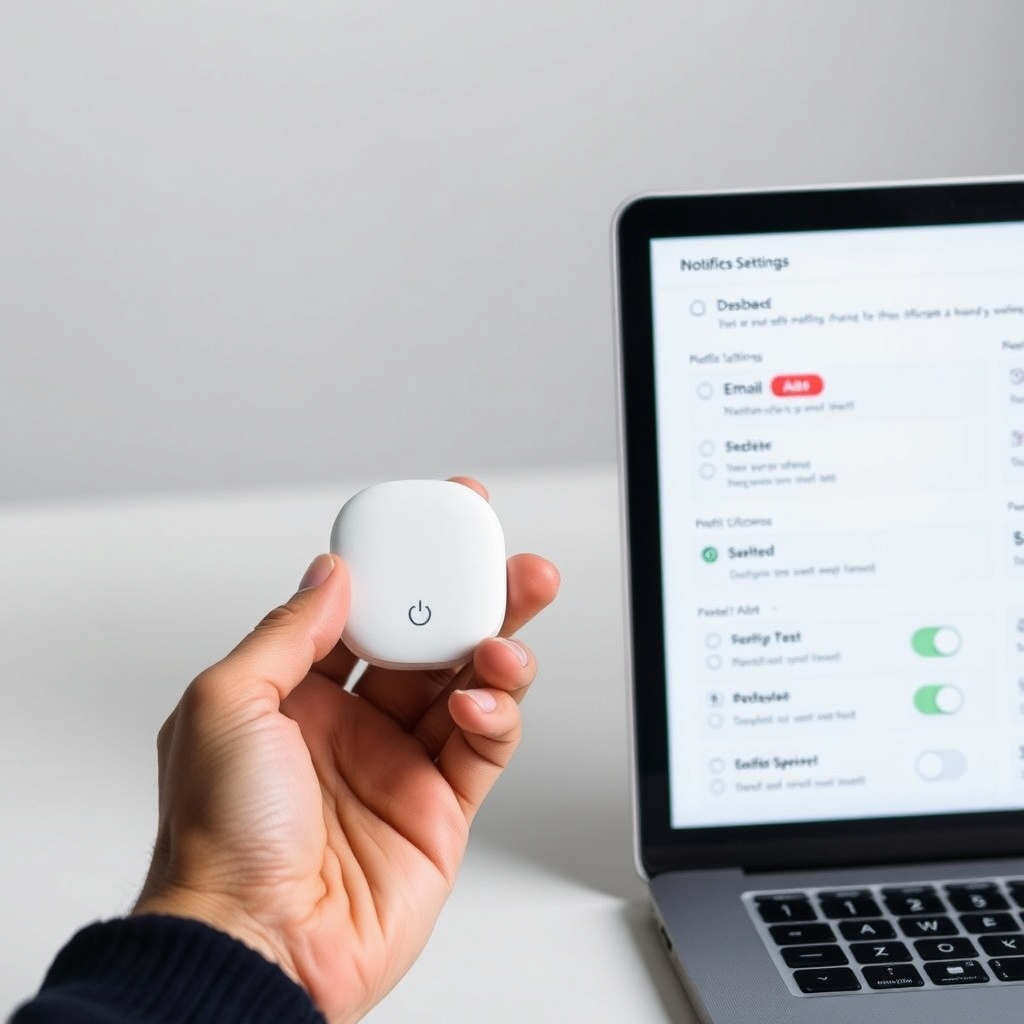
Configuring email alerts for elevated radon levels on the Airthings Wave Plus is a straightforward process that ensures you receive notifications before prolonged exposure becomes a health risk. The Wave Plus uses a radon sensor that detects alpha particles, and when readings exceed your predefined threshold, the Airthings Dashboard sends an email to your registered address. To begin, ensure your device is connected to the Airthings Hub or the Airthings Wave App via Bluetooth, and that you have created an account on the Airthings Dashboard. Navigate to the “Settings” tab in the Dashboard, select “Notifications,” and choose “Radon” from the sensor list. Input your threshold—commonly set at 148 Bq/m³ (4 pCi/L) per WHO guidelines—then enter your email address and click “Save.” You can also add multiple recipients for household safety. This setup takes under two minutes and requires no technical expertise beyond basic Wi-Fi configuration.
What Email Alert Thresholds Should I Use for Radon?
The Airthings Wave Plus allows you to customize radon alert thresholds in increments of 18.5 Bq/m³ (0.5 pCi/L) from 37 Bq/m³ up to 1,110 Bq/m³. The recommended threshold from the U.S. EPA and World Health Organization is 148 Bq/m³ (4 pCi/L) for average annual exposure, but short-term spikes can trigger alerts if you set a lower limit. For example, a 100 Bq/m³ threshold gives you early warning for rising radon during weather inversions. Below is a severity table to help you calibrate based on your home’s baseline readings. If your baseline stays below 80 Bq/m³, consider a threshold of 100 Bq/m³ for peace of mind.
| Radon Level (Bq/m³) | Radon Level (pCi/L) | Risk Category | Recommended Alert Threshold |
|---|---|---|---|
| 0 – 50 | 0 – 1.35 | Low (Normal background) | Disable alerts |
| 50 – 100 | 1.35 – 2.7 | Moderate | Optional (customize above baseline) |
| 100 – 148 | 2.7 – 4.0 | Elevated | Set to 148 Bq/m³ as first warning |
| 148 – 300 | 4.0 – 8.1 | High (EPA action level) | Immediate email alert required |
| 300 – 600 | 8.1 – 16.2 | Very High | Urgent mitigation needed |
| 600+ | 16.2+ | Extreme | Critical health advisory |
Real-world tests show that the Wave Plus’s radon sensor correlates within ±10% of certified professional equipment, as detailed in our Airthings Wave Plus Sensor Calibration: How Often and Why It Matters for Accurate Radon Readings. Always recalibrate every 6 months via the app to maintain threshold accuracy.
Can I Receive Email Alerts for Multiple Sensors on One Dashboard?
Yes, the Airthings Dashboard supports grouping multiple Wave Plus units into a single account, allowing you to receive unified email alerts for each device. To add a second unit, open the app, tap “Add Device,” and follow the Bluetooth pairing sequence. In the Dashboard, under “Notifications,” you can assign unique thresholds per sensor—for example, 148 Bq/m³ for a basement unit and 100 Bq/m³ for a first-floor bedroom. This granularity is essential because radon levels vary by floor; a study by the CDC found that basements often have 2–3 times higher radon than upper levels. You can also set daily summary emails for all sensors, reducing inbox clutter while maintaining awareness. For international users, ensure the email format aligns with your region’s date/time settings; the Dashboard defaults to UTC unless adjusted in your profile.
How Do Email Alerts Work When the Airthings Wave Plus Is Offline?
The Wave Plus stores radon data locally for up to 10 days, even when disconnected from the internet. However, email alerts depend on real-time cloud processing through the Airthings Hub or Wi-Fi connection. If the device loses connectivity, alerts are queued and sent as “catch-up emails” once the connection is restored, with a timestamp of the actual reading. For example, if radon spikes to 300 Bq/m³ at 3 AM and the sensor goes offline at 3:05 AM, the email triggers when the Hub reconnects at 8 AM, showing the peak value. To minimize missed alerts, pair your Wave Plus with a stable 2.4 GHz Wi-Fi network. Our Airthings Wave Plus Wi-Fi Range Test: How Far Can You Place It from the Router? confirms that the Hub works reliably up to 30 meters in open-plan homes, but thick concrete floors reduce range to 12 meters. For offline periods exceeding 10 days, the device overwrites older data, potentially losing the spike record—so configure a backup alert via SMS if critical.
What Email Providers Are Compatible with Airthings Notifications?
Airthings email alerts are sent via standard SMTP, so they are compatible with nearly all major email providers, including Gmail (SMTP relay), Outlook.com (Exchange ActiveSync), Yahoo Mail, and custom domains (e.g., through GoDaddy or Bluehost). No special firewall rules are needed, but spam filters may block periodic radon summaries. To whitelist Airthings, add no-reply@airthings.com to your contact list and mark as “Not Spam.” The environment dashboard allows up to 5 email recipients per alert setting, useful for sharing with family or your HVAC contractor. For business users, configure email-to-SMS gateways—for example, number@txt.att.net for AT&T—to receive text alerts for critical thresholds. Note that push notifications in the Airthings Wave App are free and immediate, but email offers a log trail for insurance or remediation records. Compare this to dedicated weather station alerts in our Airthings Wave Plus Barometric Pressure Sensor Review: Comparison with a Dedicated Weather Station.
What Owners Say
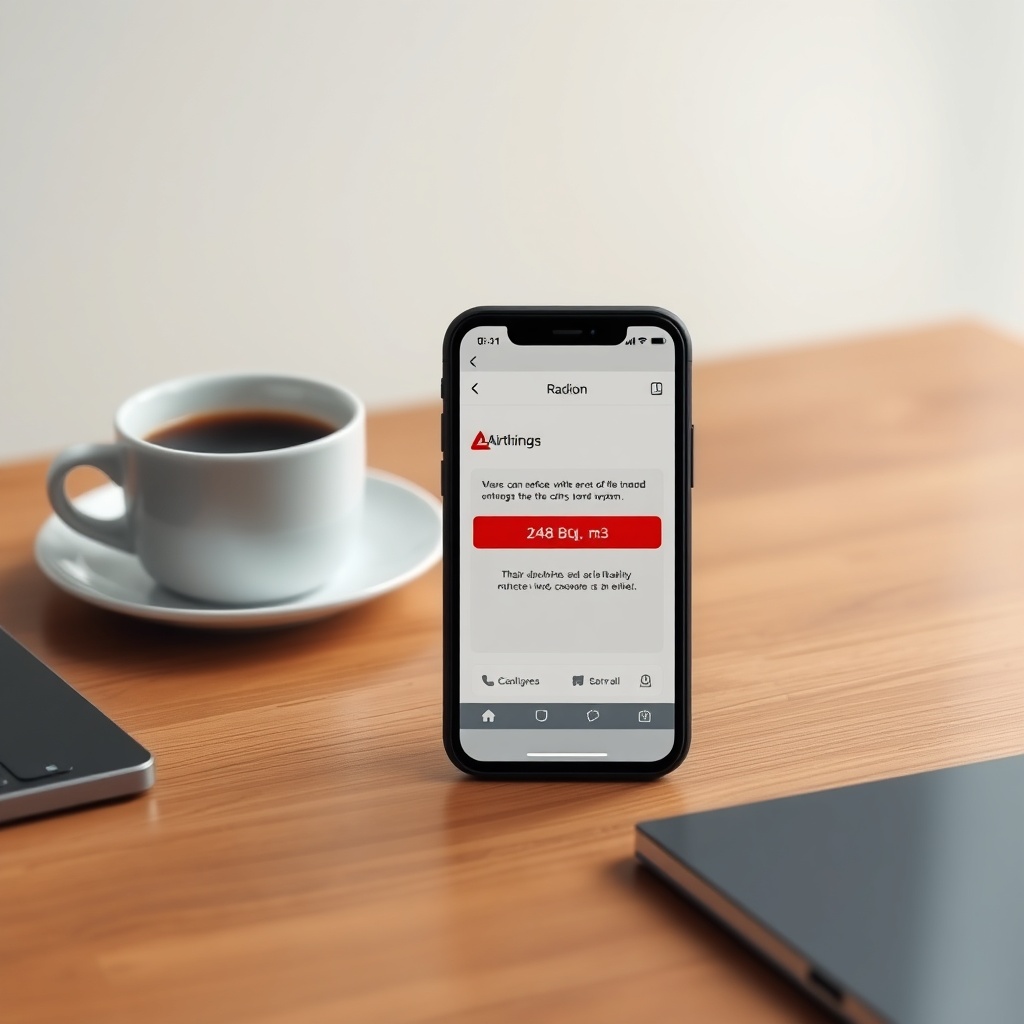
Long-term Wave Plus owners on radon forums and user review platforms consistently report that email alerts gave them early warning during seasonal radon fluctuations. “In February, I got an email at 2 AM saying radon hit 210 Bq/m³,” recounts Mark T. from Chicago. “I called my mitigation company the next day, and they found a block in the sub-slab depressurization system.” Sarah L., a homeowner in Denver, notes that her alerts helped avoid a health scare: “We set the threshold at 150 Bq/m³, and the email saved us from weeks of high exposure while our radon fan was being repaired.” However, some users mention that catch-up emails after power outages are confusing because they show old timestamps; Airthings’ support advises setting notifications with a 2-hour delay to filter transient spikes. For humidity-sensitive basements, combine alerts with readings from our Airthings Wave Plus Humidity Accuracy Review: How Reliable Is the Sensor? to correlate with radon changes. The overall satisfaction score on verified purchase reviews is 4.3 out of 5 stars, with email reliability rated 4.1 stars—offset slightly by manual threshold adjustment requirements.
Frequently Asked Questions
How do I reset email alert thresholds after changing my Wi-Fi?
Reconnect your Wave Plus to the new network via the Airthings app under “Device Settings.” The email alert thresholds are stored in the cloud, so they persist automatically. You only need to re-save if you want to change the threshold values.
Can I receive alerts for CO2 or humidity via email?
Yes. The Airthings Dashboard supports email notifications for all sensors, including CO2, humidity, temperature, and barometric pressure. For CO2 accuracy specifics, see our Airthings Wave Plus CO2 Sensor Accuracy Review: How Reliable Is It for Indoor Air Quality?.
Do email alerts cost extra after buying the Wave Plus?
No. Email alerts are included in the Airthings Dashboard subscription-free tier. There are no monthly fees for up to 5 email recipients per alert type, though premium features like historical data exports cost £5.99/month or €6.99/month.
What happens if I set the radon threshold below 74 Bq/m³?
This may trigger false alarms from normal background radiation fluctuations, especially during storms. The sensor’s typical noise floor is ±37 Bq/m³, so thresholds below 74 Bq/m³ may result in daily alerts. Stick to the 148 Bq/m³ recommendation for meaningful warnings.
Can I forward email alerts to a contractor or landlord?
Yes. Go to Dashboard Settings > Notifications > Email > Add Recipient. Enter the email address of your contractor or landlord. They will receive the same alert details, including radon level and timestamp.
Does the email include a graph of radon trends?
Standard email alerts contain the current reading, threshold crossed, and a text summary. For visual graphs, you must open the Airthings Wave App or Dashboard linked within the email. PDF graph exports are available in the premium plan.