Introduction to the Airthings Wave Plus vs. Ecosense RD200 RadonEye Installation Comparison
Choosing between the Airthings Wave Plus and the Ecosense RD200 RadonEye often hinges on how quickly and easily you can get each device operational. While both are excellent continuous radon monitors, their installation processes differ markedly in connection methods, mounting options, and app onboarding steps. This comparison focuses exclusively on setup ease, covering everything from unboxing to first reading, so you can decide which detector aligns best with your hands-on comfort level and living situation.
How Does the Unboxing and Physical Setup Compare for Each Device?
The Airthings Wave Plus arrives in a compact retail box containing the detector, a quick-start guide, and an Airthings Wave Plus Smart Home Integration Review: Connecting to Alexa and IFTTT to streamline the process. The device uses a CR123A battery (included) and has a built-in magnetic backplate for mounting on metal surfaces, plus a wall bracket for non-metallic walls. Physical setup takes about 2 minutes: remove the battery tab, turn the dial to “On,” and select a location at least 20 inches off the floor, away from drafts and windows.
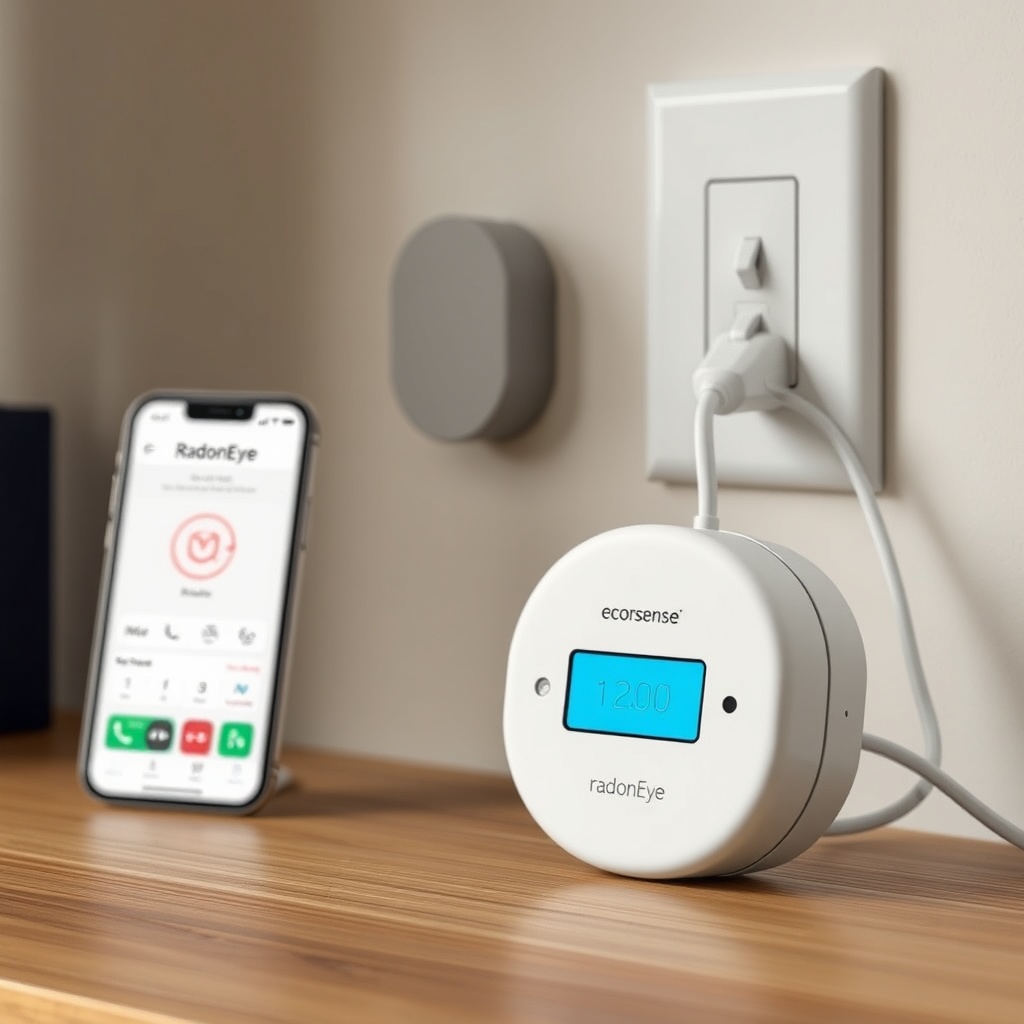
Conversely, the Ecosense RD200 RadonEye ships with a micro-USB cable and a 5V/1A AC adapter. The device has no battery or magnet—it must be plugged into a wall outlet at all times. The unit stands vertically on a desk or countertop via a small plastic stand, but it lacks mounting holes or a wall bracket. Physical setup takes about 1 minute: plug in the USB cable, connect to power, and wait for the LED to start blinking. However, placement is restricted to near an outlet, which can limit optimal radon sampling locations.
| Setup Aspect | Airthings Wave Plus | Ecosense RD200 RadonEye |
|---|---|---|
| Power Source | CR123A battery (included) | Micro-USB wall power |
| Mounting Options | Magnetic backplate + wall bracket | Free-standing on a desk (plastic stand) |
| Required Tools | None (hand-tighten bracket screws optional) | None |
| Time to First Boot | ~90 seconds after battery insertion | ~15 seconds after plugging in |
| Placement Flexibility | High (any wall or metal surface) | Low (must be near wall outlet) |
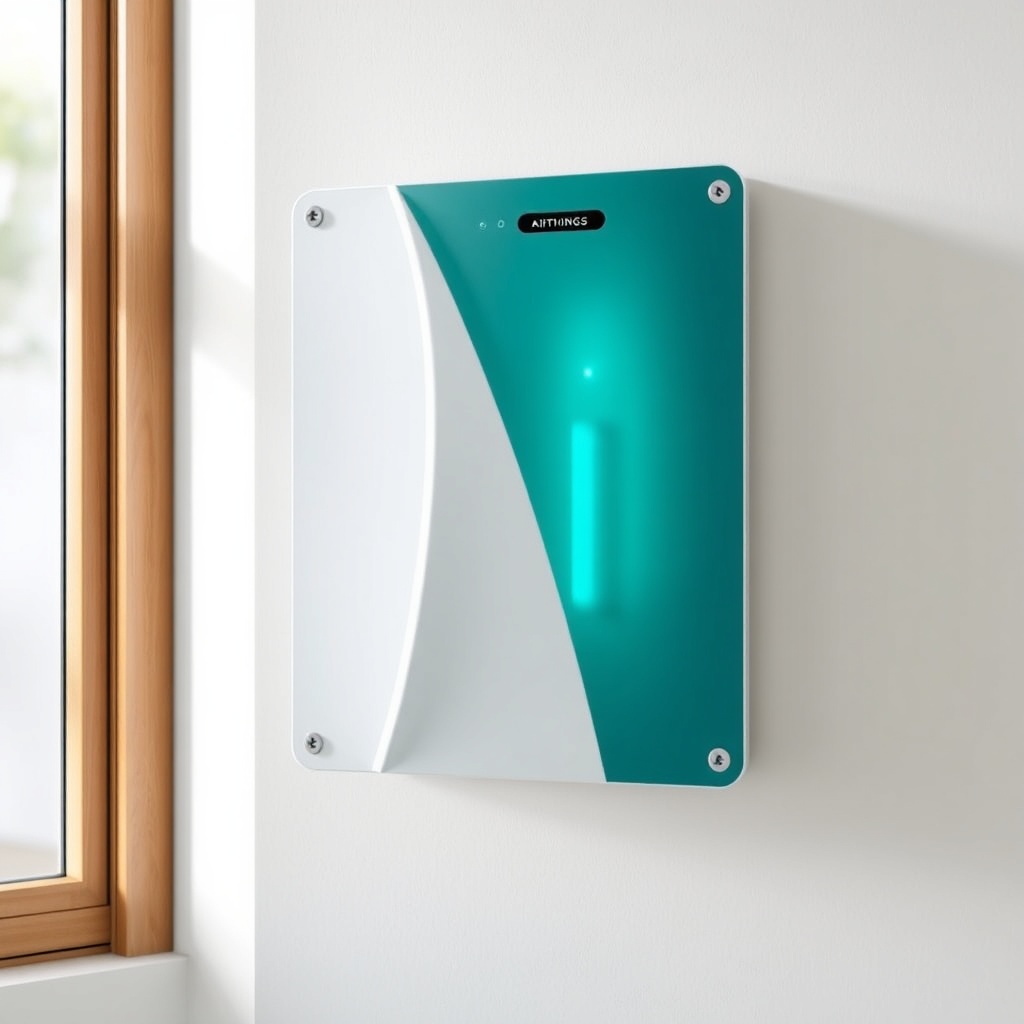
For homeowners who rent or dislike drilling holes, the Wave Plus’s magnetic mounting is a clear advantage. The RadonEye is simpler in a purely physical sense—just plug it in—but its reliance on a cord and outlet can force suboptimal placement, potentially missing radon pockets. An Airthings Wave Plus Radon Detector Winter Performance Review: How Cold Temperatures Affect Readings further emphasizes how placement near exterior walls can skew cold-weather data, a concern that the RadonEye’s cord constraint may exacerbate.
What Are the Steps to Pair Each Device with a Smartphone App?
The Airthings Wave Plus uses Bluetooth Low Energy (BLE) 4.0 and requires the Airthings Wave app (iOS 12+ or Android 6.0+). After powering on, open the app, create an account (or log in), and press the “Add Device” button. Hold your phone near the Wave Plus; the app will detect the device within 5–10 seconds. You then confirm the model, assign a room name, and the app begins collecting data within 2 minutes. The entire app pairing process takes under 3 minutes if you have a stable Bluetooth connection.
The Ecosense RD200 RadonEye uses a similar BLE pairing method via the RadonEye app (iOS 11+ or Android 5.0+). After the device powers on and the LED turns solid green (indicating it’s ready for pairing), open the app, press “Scan,” and select the identified device. The app asks you to set the time zone and unit of measurement (pCi/L or Bq/m³). Pairing completes in about 2 minutes. However, some users report initial hiccups with the app’s Bluetooth scanning on older Android devices, requiring a phone restart.
Both apps are free and offer basic dashboard views. The Airthings app includes a “Wave” gesture feature: you can wave your hand in front of the device to get a color-coded LED indication (green, yellow, red) without opening the app. The RadonEye lacks a hand-gesture feature; you must use the app or the device’s single LED (green/orange/red) that blinks every 10 minutes to indicate current radon level. For Airthings Wave Plus vs. Ecosense RD200 RadonEye: Accuracy at High Radon Levels (10+ pCi/L), the app pairing process does not affect sensor accuracy, but the Wave Plus’s immediate on-device visualization can save time when you just want a glance without waking your phone.
How Do the Calibration and Initial Data Stabilization Timelines Differ?
Neither the Airthings Wave Plus nor the Ecosense RD200 RadonEye requires manual calibration out of the box—they are factory-calibrated. However, the time to produce reliable first data differs significantly. The Wave Plus uses a patented passive diffusion chamber and begins showing approximate radon levels after 24 hours, but its 7-day moving average is considered the most accurate baseline. During the first 48 hours, readings can fluctuate by ±20% as the sensor stabilizes. The app displays a “Calibrating” status for the first 24 hours.
The Ecosense RD200 RadonEye uses a pulsed ionization chamber and claims a 60-minute response time to reach meaningful readings. In practice, the device shows noticeable changes within 1–2 hours and yields a stable hourly average after about 8–12 hours. The app updates every hour with new data points. The RadonEye’s faster stabilization makes it attractive for short-term measurements (e.g., 3–7 days), whereas the Wave Plus is optimized for long-term monitoring due to its slower but more precise accumulation of data.
For testing radon during a real estate transaction, the RadonEye’s quick stabilization can be a strong selling point. However, the Wave Plus’s data is more robust for Airthings Wave Plus Radon Sensor Replacement Guide: When and How to Change the Sensor, as its sensor lifespan (approximately 5–7 years) and consistent drift pattern are better documented than the RadonEye’s 3-year replacement cycle. If you need a fast answer, the RadonEye wins; if you want a long-term trend, the Wave Plus is superior.
Which Device Offers More Flexible Mounting and Placement Options?
Airthings Wave Plus: The magnetic backplate is its star feature—it attaches firmly to any ferromagnetic metal surface (refrigerator, electrical panel, metal door frame). The included wall bracket allows you to screw it into drywall or wood. The recommended placement is in a frequently occupied living area, at breathing height (4–6 feet off the floor), and away from exterior walls, windows, and HVAC vents. Because it’s battery-powered, you can move it to a basement, crawlspace, or even a vacation home without worrying about outlet proximity.
Ecosense RD200 RadonEye: The device is designed exclusively for tabletop or countertop use. It must remain plugged in via micro-USB, so placement options are limited to within 3–4 feet of an outlet (unless you use a longer USB extension cable). The stand is a simple fold-out plastic leg. There is no mount for walls or ceilings. Ecosense advises placing the device 20–40 inches off the floor on a stable surface, away from direct sunlight and drafts. While this works in many homes, it can be frustrating if your living room lacks a convenient outlet near a suitable surface.
For people with open floor plans or finished basements without outlets on interior walls, the Wave Plus’s flexibility makes setup significantly easier. The RadonEye may require a strategically placed extension cord or furniture rearrangement to achieve ideal placement. An Airthings Wave Plus Temperature and Humidity Accuracy Review: How Reliable Are the Sensors? also notes that the Wave Plus’s ability to be placed away from heat sources (like electronics near outlets) improves its temperature and humidity measurements, indirectly benefiting radon accuracy.
How Do the Software and Account Setup Processes Compare?
Airthings Wave Plus: The Airthings app requires you to create an account with an email address and password. You can optionally set up a home profile with multiple rooms and devices. The app includes a guided walkthrough for the first device, including tips on placement and a checklist of common pitfalls (e.g., away from drafts, not in bathrooms). An Airthings Wave Plus vs. Corentium Home Energy Consumption: Which Is More Power-Efficient? shows that the Wave Plus’s Bluetooth drain is minimal (battery lasts up to 2 years), so you don’t need to worry about leaving Bluetooth on constantly.
Ecosense RD200 RadonEye: The RadonEye app also requires an account, but it is simpler: email, password, and a unit preference. The app does not offer a multi-room dashboard; each device appears as an independent entry. The RadonEye app has fewer bells and whistles—no hand-gesture recognition, no historical trend graphs beyond hourly averages, and no export to CSV. However, it is more straightforward for pure radon data viewing. The account setup takes about 1 minute less than the Airthings route, but you lose features like voice assistant integration (the Wave Plus works with Alexa and IFTTT, as noted in the Airthings Wave Plus Smart Home Integration Review).
For tech-savvy users who want integration with their smart home ecosystem, the Airthings setup is more rewarding despite the extra steps. For users who just want to see a number and confirm safety, the RadonEye’s minimal app interface reduces friction. Both apps support multi-user access, but only Airthings provides email alerts when levels exceed a customizable threshold (default: 4 pCi/L).
What Owners Say About the Setup Experience
Owners of the Airthings Wave Plus frequently praise the magnetic mounting as a “game-changer” for renters who cannot drill holes. Many note that the initial 24-hour calibration period is a minor annoyance but understand its necessity. Common setup complaints include intermittent Bluetooth pairing on some Android models (particularly with Bluetooth 5.0 chips) and difficulty removing the battery compartment cover without a coin. Overall, most owners rate the setup as “very easy” after overcoming the first-time app login.
Ecosense RD200 RadonEye owners appreciate the nearly instant plug-and-play operation. The 1-hour stabilization time is widely seen as superior for short-term testing. However, owners frequently express frustration with the “outlet tethered” design, especially when trying to place the device in a basement with limited receptacles. A subset of owners also mention that the micro-USB port is fragile and can loosen over time, leading to intermittent power loss and data gaps. Despite these gripes, the RadonEye’s straightforward app setup garners positive marks for simplicity.
Frequently Asked Questions
1. Do I need Wi-Fi to set up either device?
No. Both use Bluetooth Low Energy for initial pairing and data transfer. The Airthings Wave Plus can connect to Wi-Fi only if you also use the Airthings Hub (sold separately). The Ecosense RD200 RadonEye does not support Wi-Fi at all.
2. Can I use either device with an extension cord?
For the Airthings Wave Plus, no extension cord is needed since it’s battery-powered. For the Ecosense RD200 RadonEye, you can use a standard USB extension cable (max 10 feet) without losing performance, but use a high-quality cable to prevent voltage drop.
3. How long until I get a reliable radon reading from each device?
Airthings Wave Plus: 24–48 hours for a stable 24-hour average. Ecosense RD200 RadonEye: 1–2 hours for short-term readings; 8–12 hours for an accurate hourly average.
4. Which device is easier to set up in a rental apartment?
The Airthings Wave Plus is easier because it needs no drilling or permanent wiring. The magnetic mount attaches to the refrigerator or an electrical panel, leaving no marks. The RadonEye requires an outlet, which may not be available in an ideal spot.
5. Do I need to recalibrate either device after initial setup?
No. Both are factory-calibrated. The Airthings Wave Plus sensor lasts about 5–7 years before needing replacement. The Ecosense RD200 RadonEye has a 3-year sensor life; after that, you must buy a new unit (or use the aftermarket replacement program if offered).
6. Can I set up multiple Airthings Wave Pluses or RadonEyes in the same app?
Yes. The Airthings app supports an unlimited number of devices. The RadonEye app supports multiple devices, but each shows as a separate entry without a unified dashboard.